How Printer works
Launch a project.
Build the world around it.
Coins, NFT collections, holder rewards and a home for your community. Printer brings the pieces together, from your first draft to what happens after launch.
 Your project
 A place to meet
See how the pieces connect.
Choose a chapter, or play the walkthrough.
Your artworkOr a connected pair.Create → Review → Approve
Create your project
Start with a coin, an NFT collection, or a connected pair. Add your artwork, choose the settings and review the exact launch before your wallet approves it.
Open the Launcher Saved drafts let you pick up where you left off.Illustrative basket. You choose supported assets.
Connect holder rewards
For supported fee-sharing projects, collected creator fees fund holder rewards. Choose a default basket of up to five supported tokens. Eligible holders can choose their own mix for future rewards.
Explore project reward controls Rewards depend on collected fees, eligibility, costs and available routes.Your identity.Artwork, details and a place to join.
Continue editing your website
after your project launches.
Give it a home
Create a project website and community without a creation fee. Shape the page with your own story, images and links. Manage the published project from the same workspace.
Explore website creation Launch, network and optional storage costs are separate.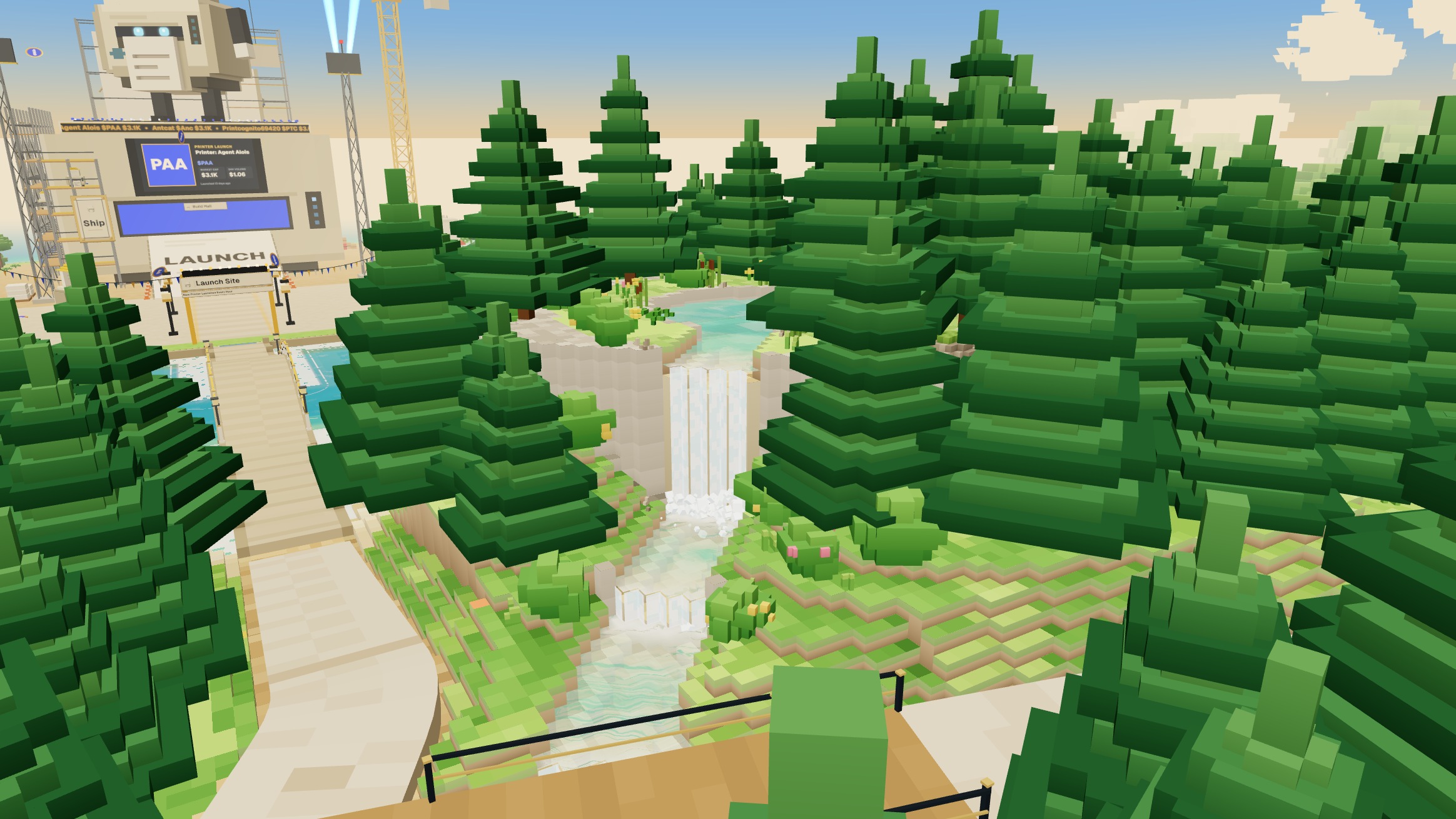
Make room for people
Printer also has a multiplayer world with games, characters and places to build together. Creators can request a custom in-game character for their community.
Explore Printer World Custom characters are reviewed separately. A launch does not automatically create one.Follow a reward, all the way through.
Where it comes from, who it goes to, and how you check it.
Fees are collected
A supported project earns creator fees through activity. The holder allocation follows that project's saved fee split.
Holdings are checked
The reward program checks eligible holdings. Coin rewards and NFT rewards keep their own fund and eligibility rules.
The mix is prepared
The holder's saved selection, or the project default, determines the supported tokens. Routes, available funds and costs still apply.
Delivery gets a receipt
Follow the project's reward status and your payment history. A completed payment has a transaction record you can open.
An explanation of the process, not a forecast of earnings. Every program keeps its own terms.
The details make a difference.
Your website keeps evolving.
Update the story, roadmap, team, images and FAQ after launch. Website edits stay separate from the project's locked launch terms.
Open Your projectsYour mix can be your own.
Use the project's default basket or choose a supported personal mix for future rewards. Keep each project's records distinct.
Understand reward mixesMint where your people are.
Bring a supported collection's mint to your own website, with the same wallet approval and collection rules.
Find your collection toolsYour projectPrinterYou can join with what you've built.
Connect an existing project or start with a standalone website and community. A new token is not required for those services.
Bring a projectChoose where to start.
The same ecosystem. A different first step.
A few things worth knowing.
Do I need a Printer NFT to launch?
You can start a project in the Launcher without first buying an original Printer NFT. Project access, wallet approvals and any selected service requirements are shown in the relevant flow.
What is free, and what still costs something?
New website and community creation have no creation fee, including standalone creation. That does not make a coin or NFT launch free. Network costs, launch costs and optional storage are shown separately before approval.
Can holders choose different reward tokens?
Yes, where the reward program supports personal mixes. A project can set a default basket of up to five supported tokens, and eligible holders can save their own future mix. Changing a mix does not rewrite completed payments or frozen rewards.
Can people mint on my own website?
For supported published collections, the creator can enable a Printer mint embed for one approved website origin. The mint keeps the collection's existing rules and wallet review. Installation access does not give a developer control of the collection.
Can I bring a project I already have?
Yes. Bring a project opens the existing connection tools. You can also create a standalone website or community, or import a Printer-exported collection ZIP into a new draft. Importing a draft does not transfer an already launched collection.
Are the original Printer NFT rewards the same as project rewards?
They are separate programs. Original Printer holders use Your profile for their reward mix and payment history. A launched coin or collection has its own reward fund, eligibility and records. Start from its project page to keep the context clear.
Do I need to claim every reward?
Follow the instructions for the specific program. Existing automatic payouts and any available claim action have different paths. The project page and your payment history show the relevant status; a pending allocation is not a completed transfer.
Does launching automatically put my character in World?
No. Creators can send a custom character request from their project tools. Artwork, access and delivery are reviewed separately before a character becomes available.